


Import
Chrome Bookmarks Bookmark bar and folders
HTML Browser bookmark export
Toby JSON export file
OneTab HTML export or URL list
Session Buddy Saved collections JSON
EnsoLinks JSON Library + Workspace data export
Private Chrome extension Desktop Chrome extension
One fast search across your bookmarks, saved browser windows and open tabs.
Popup
From the extension popup, save the page you're on, or stash your open tabs into Workspace as a session. Stashing closes open tabs, so the browser gets quiet again.
Library
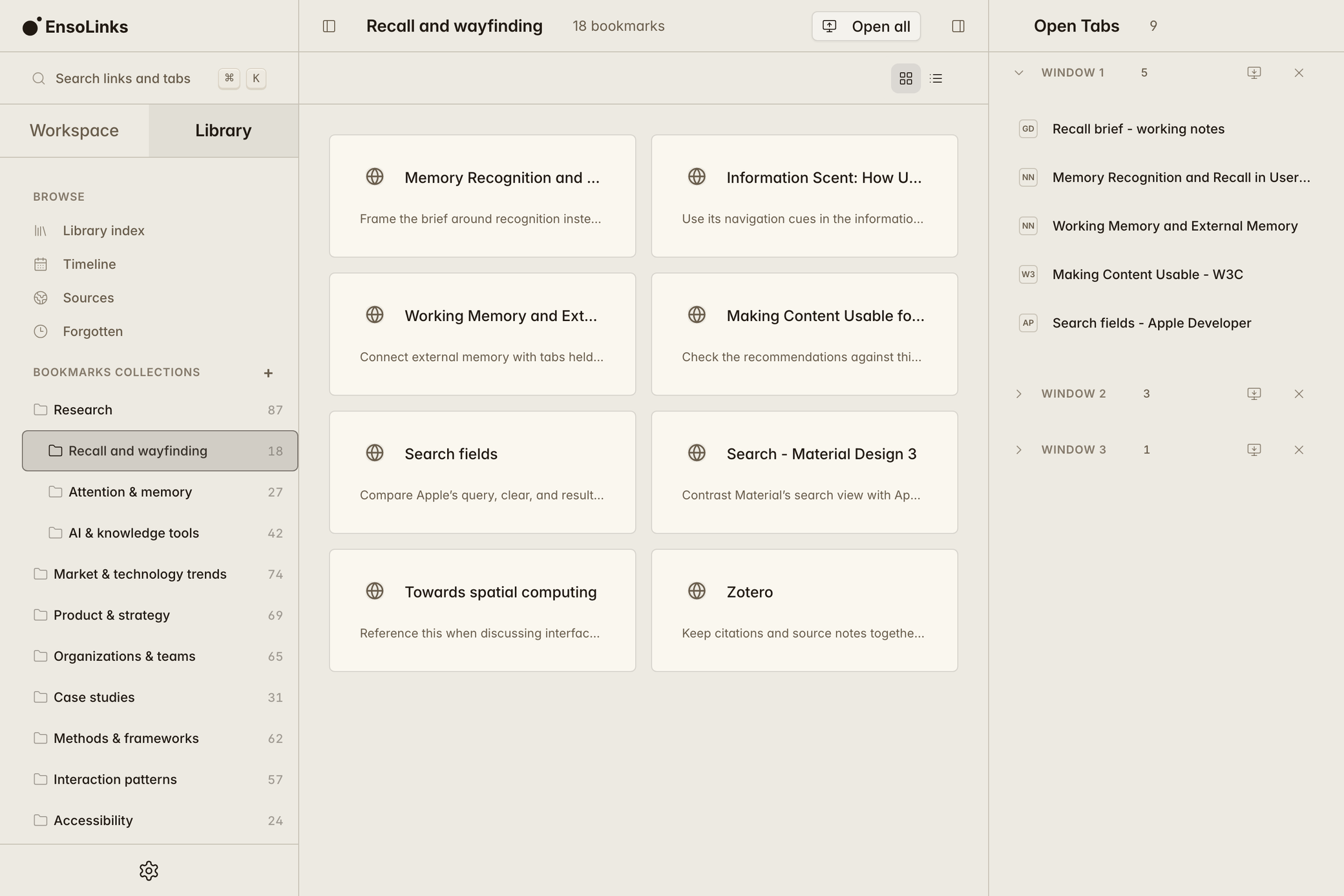
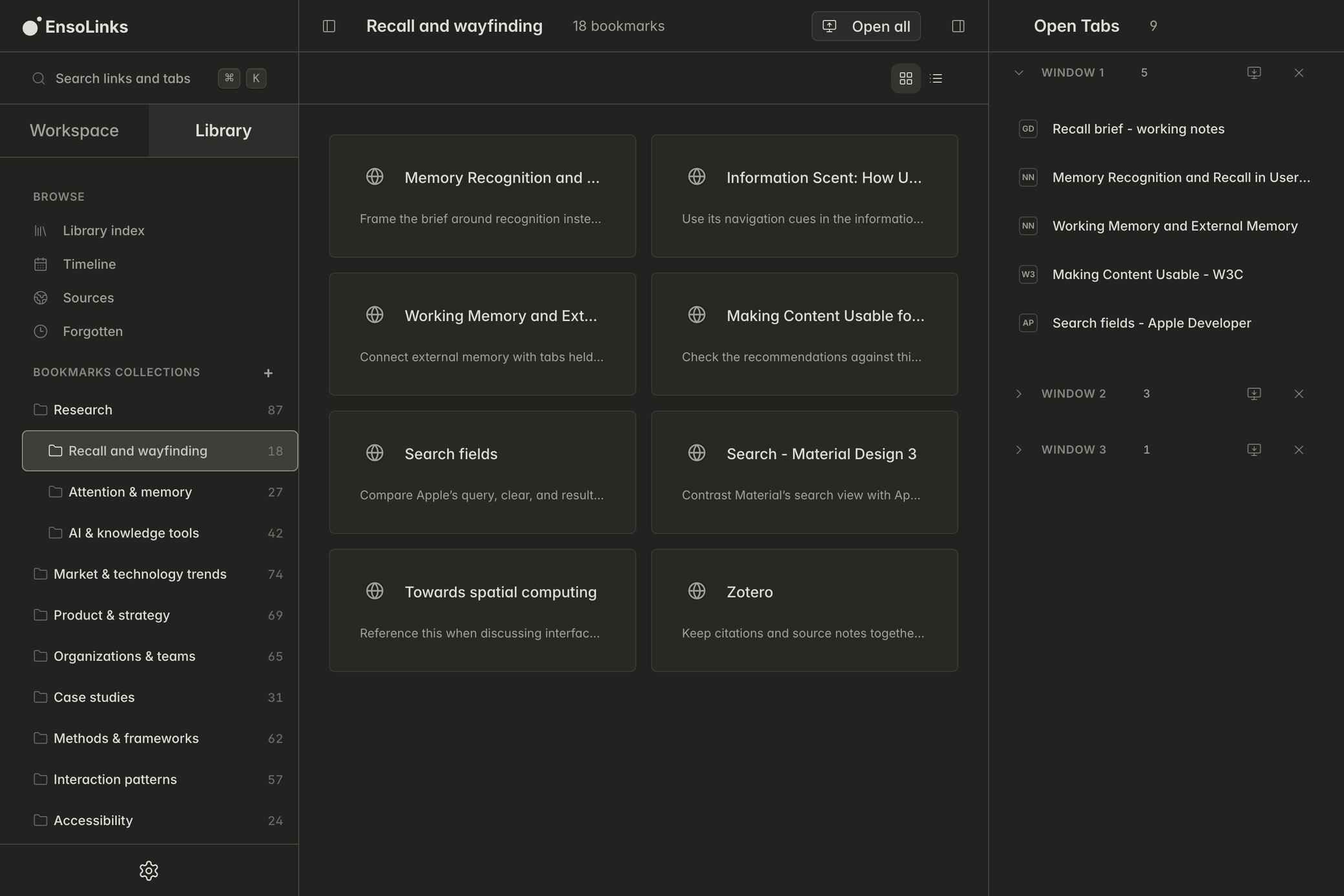
Save links into collections you curate, nested however you like. They still appear in the same search as open tabs and sessions.
Library is for what you keep.Workspace is for what you're holding now.


Workspace
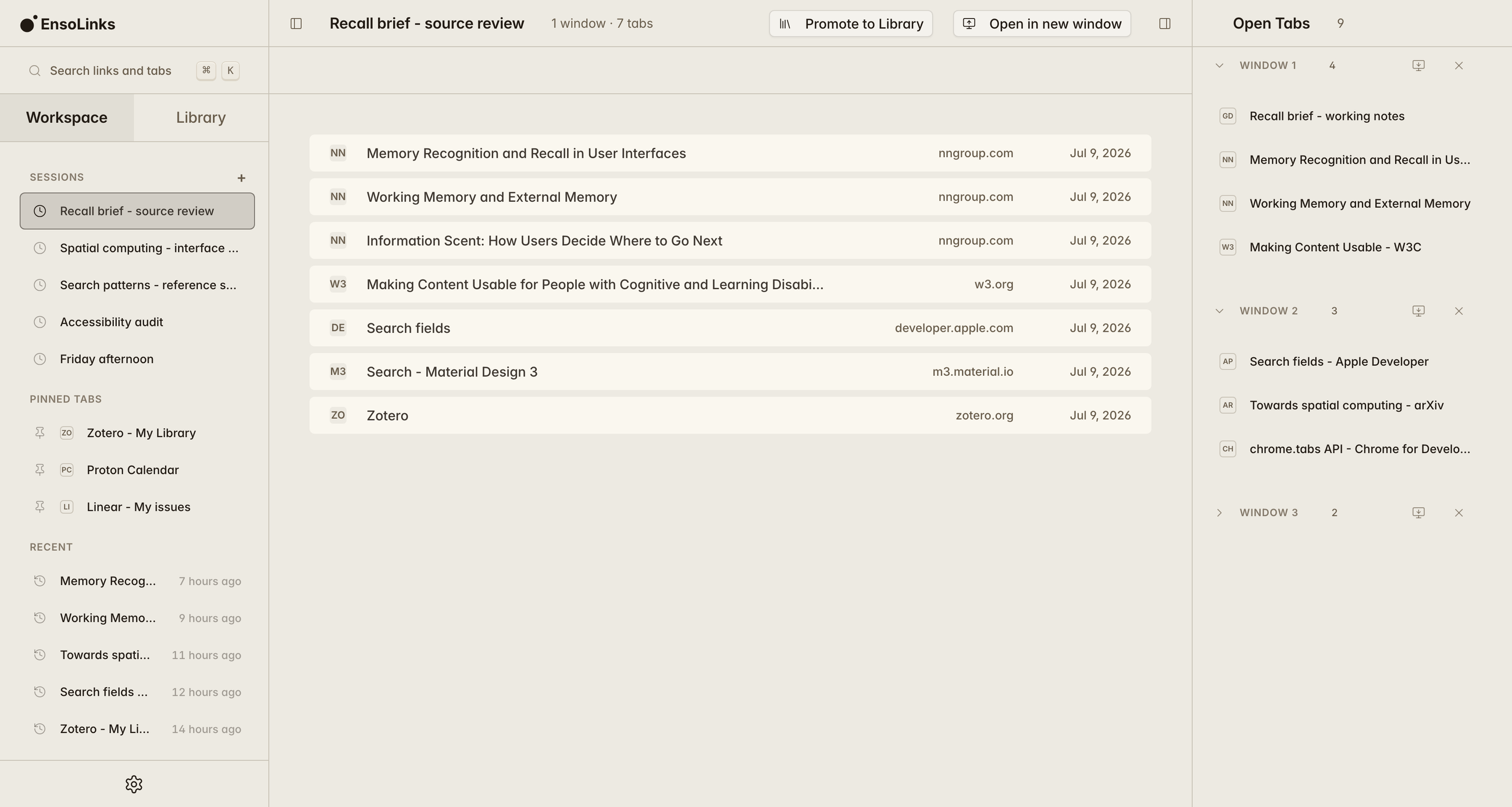
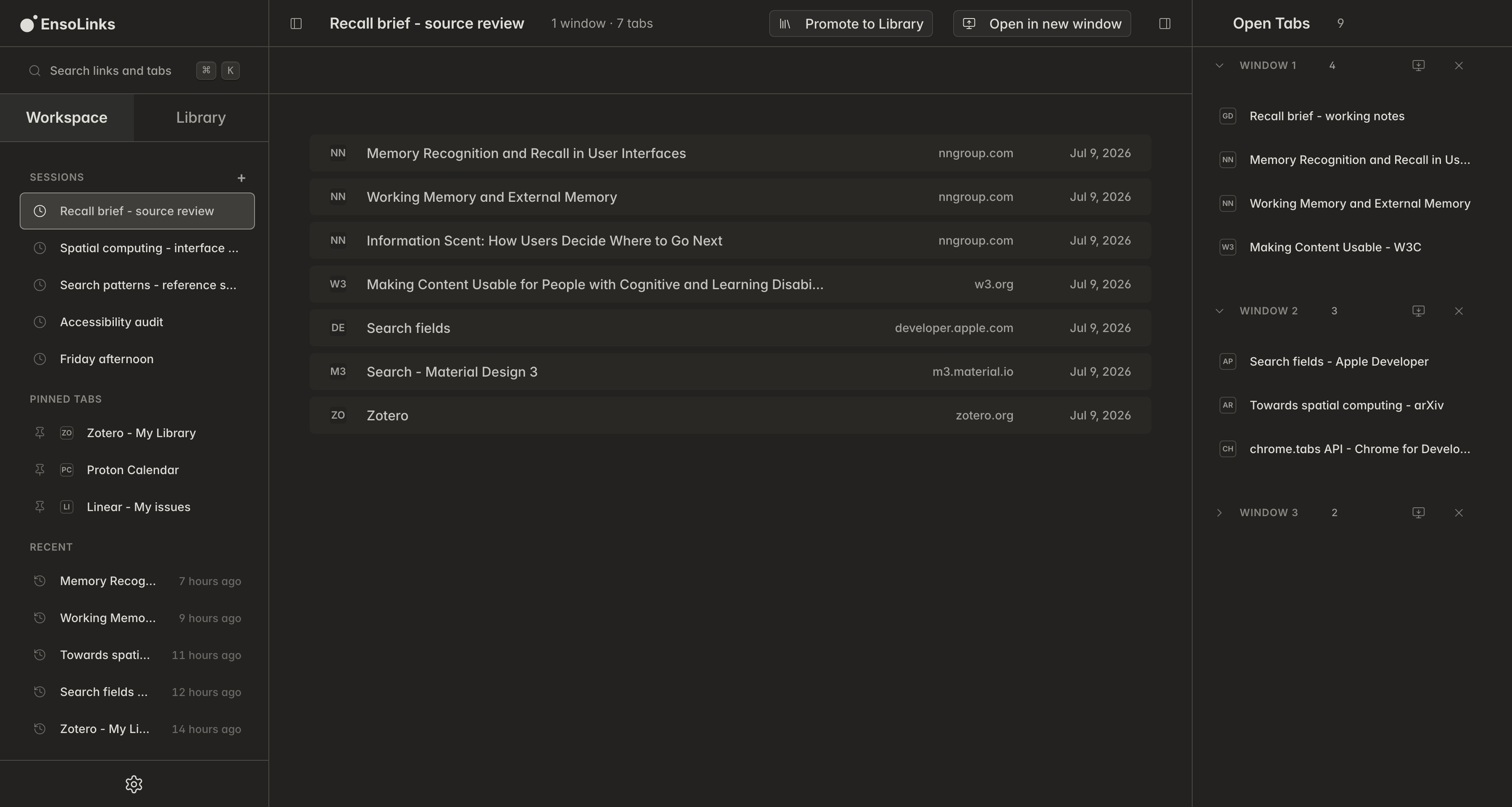
A stashed window becomes a Workspace session. Every tab is still listed by title. Open a single tab, restore the whole session or promote what's worth keeping to Library.
Restoring rebuilds the window as you left it: tab order, pinned tabs, and tab groups, where Chrome allows it.


Bookmarks (4)
Memory Recognition and Recall in User Interfaces
Recall and wayfinding / Interface references
Working Memory and External Memory
Recall and wayfinding / Research tools
Making Content Usable for People with Cognitive and Learning Disabilities
Recall and wayfinding / Standards
Information Scent: How Users Decide Where to Go Next
Recall and wayfinding / Reading queue
Findability
Type the fragment you have — a tag, a note, a domain, the collection it lives in.
One fast keyword search spans your bookmarks, saved sessions, and open tabs. It runs
on your device, and nothing is sent to a server.
For saved links it reads tags, notes, and descriptions, not just titles. You can filter
and sort your search results.
Type more when you know more — tag:research, site:wikipedia.org,
-archive, "exact phrase".
Ownership
Before you trust it, check the access most likely to matter. The complete manifest and every reason stay available on Privacy.
Chrome bookmark sync stays off until you turn it on.
Your Library bookmarks and live Workspace sessions export as EnsoLinks JSON. Your Library also exports as a standard bookmarks file other browsers can import.
10 required permissions · 1 optional permission
Network boundary
No extension telemetry
The extension sends nothing. No analytics, no telemetry, ever.
Save, search, and restore do not contact an EnsoLinks server.
No standing website access
The shipped extension requests no host permissions for ongoing access to websites or domains.
Import / Export
Bring in Chrome bookmarks, a browser bookmarks HTML file, Toby, OneTab, Session Buddy saved collections, or an EnsoLinks JSON export. You’ll see a preview before anything changes. Export Library bookmarks and live Workspace sessions as EnsoLinks JSON, or Library bookmarks alone as browser-compatible HTML.


Import
Export
Questions
Permissions, price, privacy, and what happens to your links if EnsoLinks goes away.
Chrome access is limited to specific jobs. Live-tab access supports saving, restoring and local recovery; current-page access happens only after you act; History is optional; and EnsoLinks requests no standing access to every site.
No. There is no EnsoLinks account and no EnsoLinks server. You just install it and start using it.
The first EnsoLinks release will be free to install and use. What it includes will stay free: no account, no subscription, and no later paywall for those features.
Yes. EnsoLinks is built for Chrome, and it also runs in other Chromium-based browsers. It has been tested in Edge and Brave.
When first installed, EnsoLinks opens the Workspace once in a pinned tab so you can set it up right away. It does not replace Chrome’s New Tab page. Move, unpin or close the tab whenever you like.
By default, your EnsoLinks data stays in your Chrome browser. Chrome bookmark sync is off until you enable it in EnsoLinks settings. Once enabled, supported bookmark fields can sync through Chrome’s own service; they never pass through an EnsoLinks server.
The EnsoLinks extension sends nothing - no analytics or telemetry, ever. This website does not load analytics or use tracking cookies.
Yes. Saving, searching, and restoring all run in your browser.
Nothing switches off. There’s no server to shut down, so the extension keeps working. You can export Library bookmarks and live Workspace sessions as EnsoLinks JSON, or export your Library as browser-compatible HTML.
No. It works alongside them. Turn on Chrome sync in EnsoLinks, then Chrome can sync supported bookmark URLs, titles, and folders through your Google account. Tags, notes, and saved sessions stay in EnsoLinks. Chrome has nowhere to put them.
Library is what you keep. Workspace is what you’re working with — open tabs and stashed sessions. The split exists so that saving something for later doesn’t mean filing it forever. You can stash a whole window in one go, then promote only the links worth keeping to a Library collection.
Tabs close after you stash them. Restoring a session opens new Chrome windows with the original tab order, pinned tabs, and—where Chrome permits—tab groups. By default, sessions stay until you delete them. In Settings, you can choose to delete sessions automatically after 7, 30, or 90 days. Library collections are not affected.
Yes. Scope a search with tag:, site:, folder:, title:, url: or notes:. A leading minus drops a term, so -archive excludes it. Quote a phrase to match it exactly, put or between terms for either/or, and narrow by date with before: and after:. There’s also has:notes and is:untagged.
Yes. Import Chrome bookmarks, a standard bookmarks HTML file, Toby, OneTab, Session Buddy saved collections, or an EnsoLinks JSON export. EnsoLinks shows a preview before anything changes.
Yes. EnsoLinks JSON exports Library bookmarks and live Workspace sessions. Browser-compatible HTML exports Library bookmarks only. Neither format includes local settings, trash, the search index, or the rolling recovery snapshot. This is a manual data export, not a complete extension backup.
If Chrome reopens without every tab, EnsoLinks can help recover the missing ones from its latest local snapshot. You choose what to restore, and tabs Chrome already reopened are left alone.
EnsoLinks is currently a personal, noncommercial project. The extension does not send your bookmarks, sessions, or settings anywhere.
Available soon
CHROME WEB STORE · LISTING COMING SOON
EnsoLinks is currently a personal, noncommercial project.